
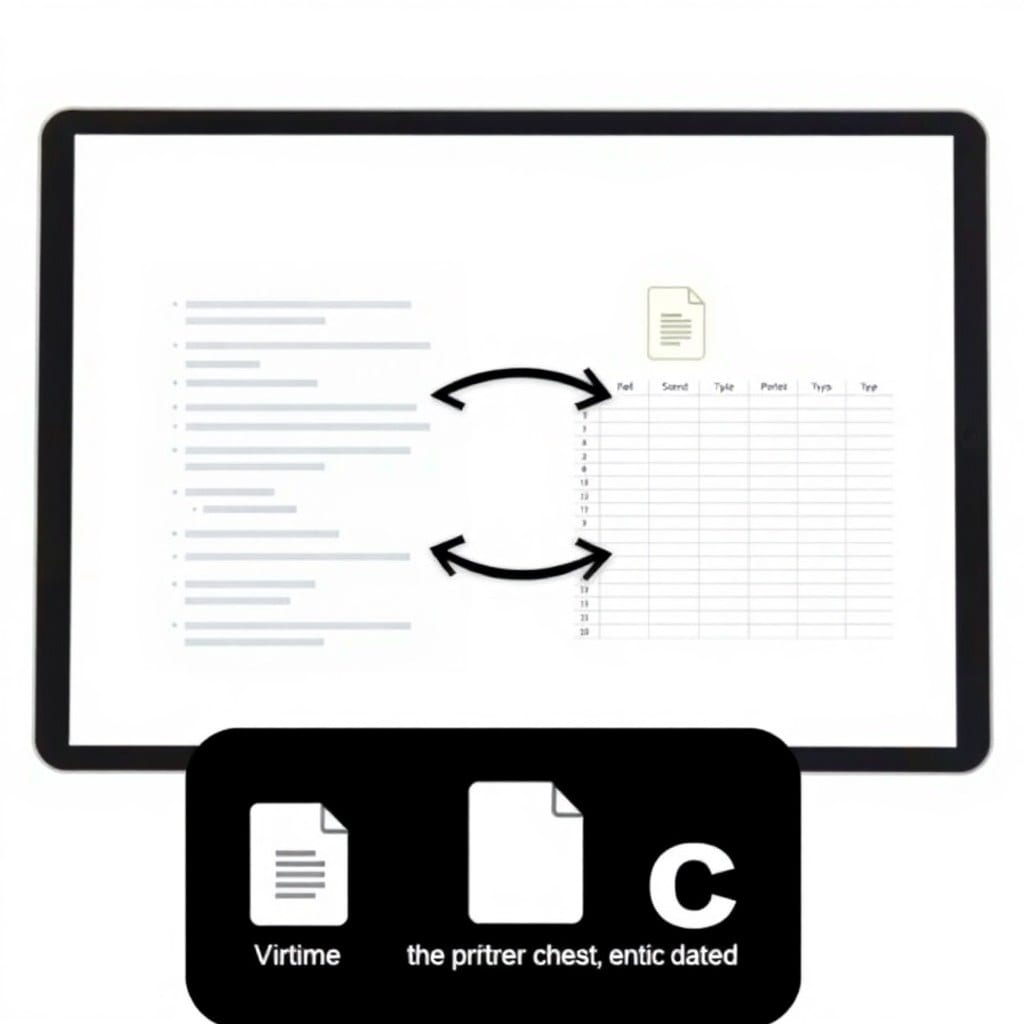
If you run your business on Notion, you know the panic of accidentally deleting a page that had your entire customer database. Notion does have version history, but it’s not always easy to restore, and it’s not a substitute for a real backup. That’s why we built a new script that automatically exports your Notion workspace to your own storage — and it’s out today.
This script uses Notion’s official API to pull all your pages, databases, and their content, then saves them as structured Markdown files. You can store them in Dropbox, Google Drive, or any local folder. The best part: it’s incremental, so it only exports what’s changed since the last run, saving you time and API credits.
Here’s how it works. You set up a Notion integration (that’s just a few clicks on their site), and then you run the script with your API key and a destination path. The script does an initial full export, and then on subsequent runs, it checks for updates and exports only those. You can schedule it to run daily, and you’ll always have a recent backup.
Why did we build this? Because we were tired of hearing stories from founders who lost weeks of work due to a misclick. Notion is great, but it’s a SaaS product — you don’t own the data in the same way you do if it’s sitting in a folder you control. This script gives you peace of mind.
One thing we focused on is reliability. The script handles rate limits gracefully, retries failed requests, and logs everything so you can see what was exported. It also creates a manifest file that lists all pages and their latest sync time, so you can verify nothing was missed.
We also added a verification mode. You can run it with a ‘–check’ flag, and it will compare the local files with the Notion API and tell you if anything is out of sync. That’s handy if you suspect your backup is stale.
Now, a few details for the tech-savvy: it’s written in Python, uses the official ‘notion-client’ library, and requires Python 3.8+. It’s tested on macOS, Linux, and Windows. You’ll need to create a Notion integration and share your workspace with it, but the README walks you through every step. We even include a sample systemd timer for Linux users and a Windows Task Scheduler setup.
The script is available now in the library. As with all our tools, it comes with lifetime access to updates, and we’re already planning to add support for exporting comments and permissions in the next version. If you have ideas for improvements, we’d love to hear them.
Don’t wait until you lose something important. Set up your Notion backup today — it takes about ten minutes, and you’ll sleep better. And if you’re already using our other scripts, this one integrates nicely with our file organization tool, so you can keep everything tidy.