
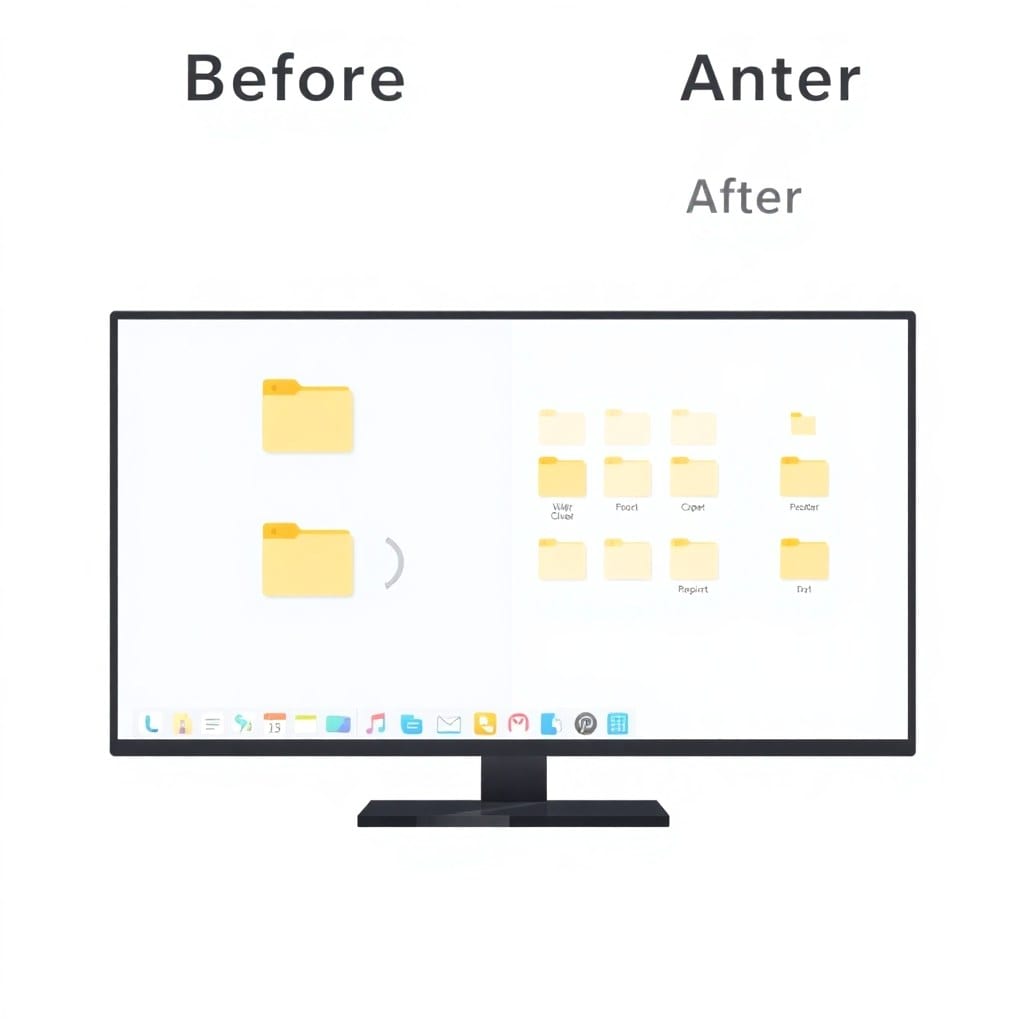
If you’ve ever spent an afternoon staring at a CSV with 10,000 rows of inconsistent data, you know the pain. Duplicates, extra spaces, mixed date formats — it’s the kind of busywork that eats your day. But you don’t need a data team to fix it. A simple Python script can do the heavy lifting in seconds.
Last month, I was prepping a lead list for a client. The file had 8,000 rows, and I could see at least 200 obvious duplicates just by scrolling. Manually cleaning that would take hours. Instead, I wrote a 50-line Python script that deduplicated based on email, normalized phone numbers, and standardized date formats. It ran in under 3 seconds.
Here’s the core of what that script does: it reads the CSV, uses a set to track unique identifiers (like email), drops duplicates, and applies simple regex transformations for formatting. You can easily adapt it to your own columns and rules. The beauty is, once you write it, you can reuse it forever.
I’ve since turned that script into a reusable tool in my kit. I run it on any CSV that comes my way — export from a CRM, a messy spreadsheet from a marketing platform, whatever. It takes me 10 seconds to run, and it’s never failed me.
If you want to try it yourself, here’s a high-level approach. First, identify the fields that define a duplicate — usually email or phone. Then, write a function that normalizes those fields (lowercase, strip spaces, etc.). Finally, iterate through the rows and keep only the first occurrence. Add some logging so you know how many rows were removed.
Now, I’m not going to pretend this is rocket science. But the time savings are real. For an indie hacker or a solo founder, every hour saved is an hour you can put into your product. That’s why I built a library of scripts like this — so you don’t have to reinvent the wheel.
To get you started, I’ve put together a step-by-step guide that includes the full script, explanations of each part, and how to run it on your own machine. It’s a practical, no-fluff walkthrough that you can finish in an evening.
And if you’re not a Python person, don’t worry. The concepts translate to any language. The point is to stop doing manual data wrangling. Automate it once, and you’ll never go back.
So next time you’re faced with a messy CSV, remember: there’s a better way. Spend 20 minutes writing a script, and you’ll save yourself hours every month. That’s the kind of trade-off that pays for itself.