
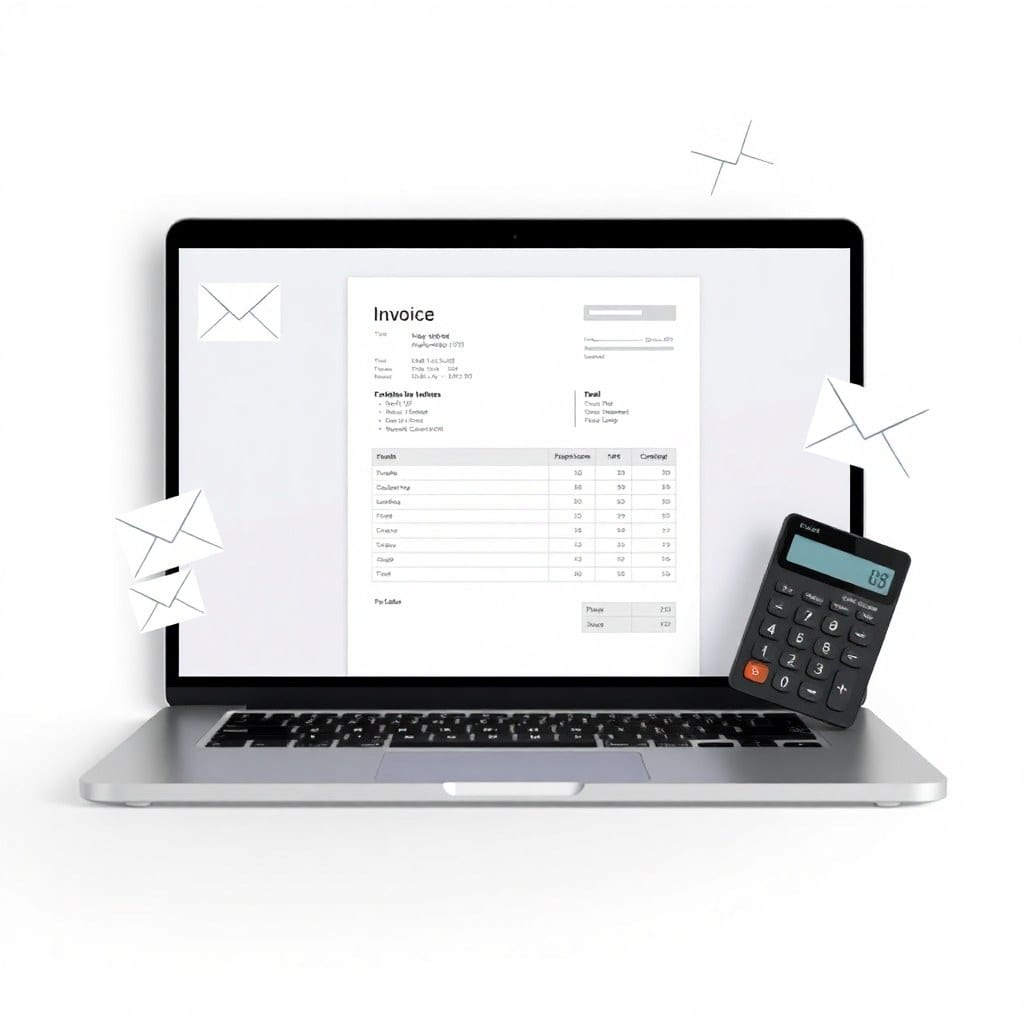
If you’re a freelancer or small agency owner, you’ve probably spent a Sunday afternoon reformatting invoices. The client names change, the amounts change, but the layout is always the same. And yet, every month, you open the same template, paste the same data, and export the same PDF. It’s busywork, and it’s exactly the kind of task that should be automated.
So let’s do that. In this post, I’ll walk you through a Python script that reads a CSV file — with client name, project, rate, and hours — and generates a beautifully formatted PDF invoice automatically. I’ll use the `reportlab` library, which is free and works on any OS.
First, you’ll need to install `reportlab` and `pandas` (for CSV handling). A quick `pip install reportlab pandas` will do. Then, create a CSV with columns: `client_name`, `email`, `project`, `rate`, `hours`, `invoice_number`, `date`. The script will calculate the total, apply tax if you want, and output a PDF using a simple table layout.
The core of the script is a function that pulls data from each row, formats it, and draws a table. You can customize the font, colors, and logo placeholder. The beauty is that you can run this from the command line: `python generate_invoices.py invoices.csv`.
But here’s where it gets interesting: you can also set it up to run automatically via a cron job or a scheduled task. If you’re using a tool like Zapier or n8n, you could even hook it up to your accounting software. The point is, the script is a starting point — you can extend it as far as you want.
One edge case I hit was handling multiple items per invoice. In that case, you’d need a more complex CSV structure. I’ll show you a version that supports multiple line items, but the logic is the same: iterate, sum, and render.
Now, if you’re not a Python person, you might be thinking this is too dev-heavy. But honestly, if you can follow a simple tutorial, you can get this running in under an hour. And think about the time you’ll save every month. It’s a no-brainer.
Of course, you could also just buy a ready-made script from a store like Kintly, but building it yourself gives you full control. Either way, you’re eliminating a repetitive task that adds zero value to your business.
So, next time you’re about to copy-paste an invoice, stop. Spend an hour automating it once, and you’ll never look back. Your future self will thank you.